Touchscreen MacBook Pro vs. iPad Pro with Magic Keyboard
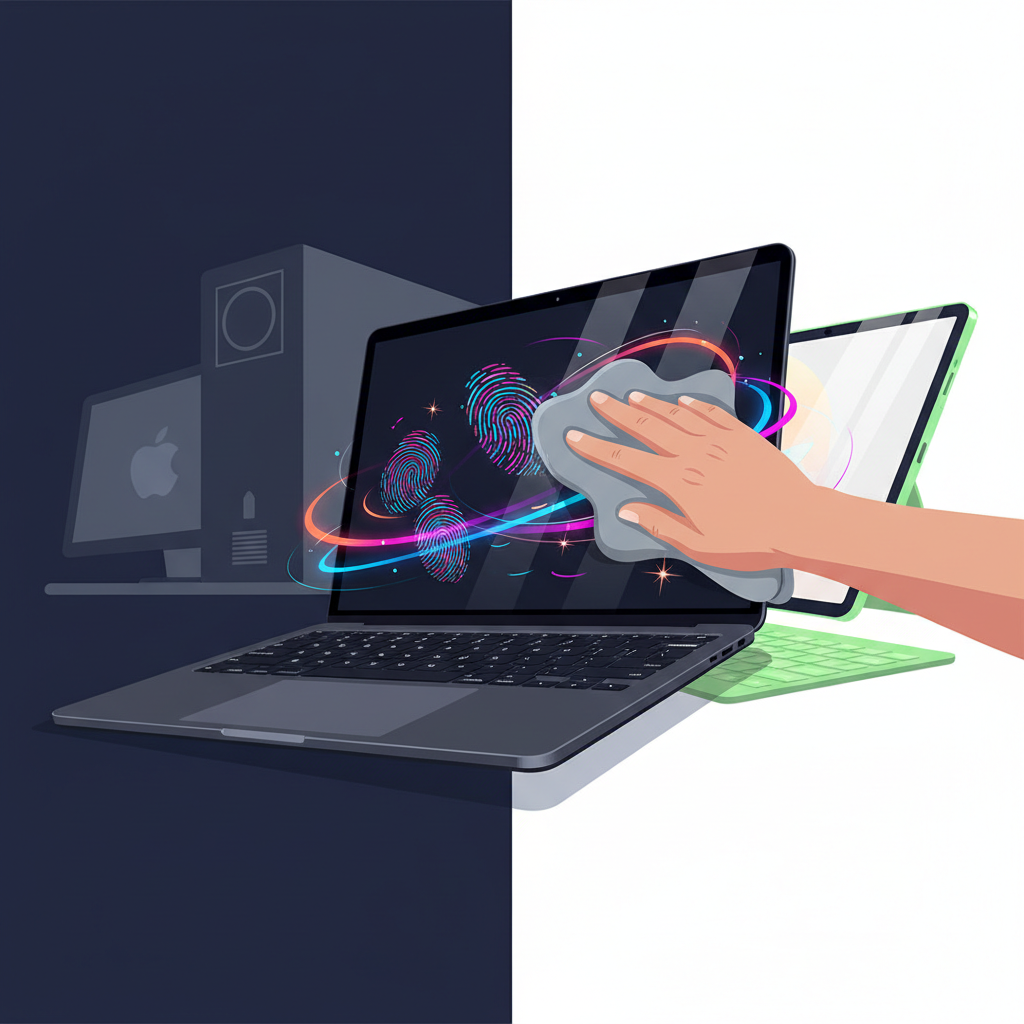
Touchscreen MacBook Pro
Full macOS power with direct finger taps, even if it means constantly wiping smudges off that pristine OLED panel.
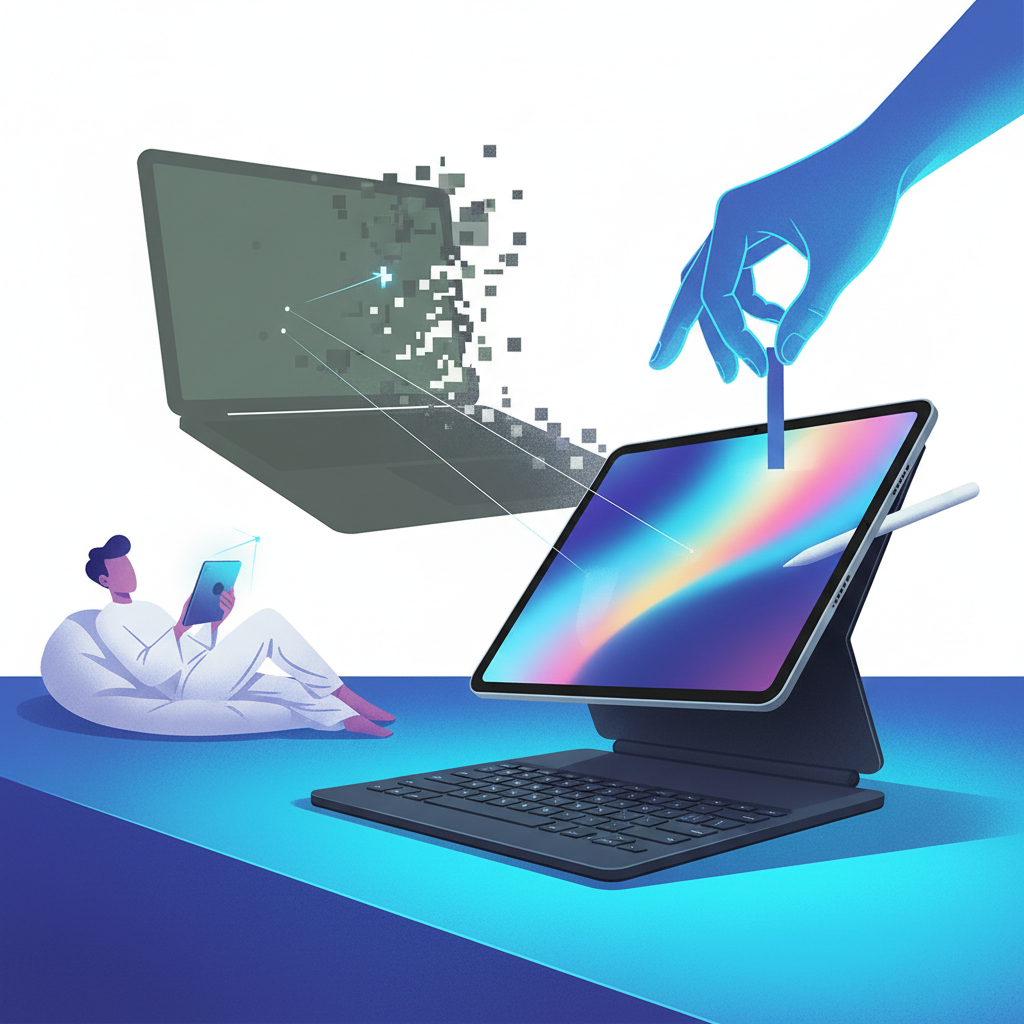
iPad Pro with Magic Keyboard
The modular tablet-first champion designed for touch from the ground up, ready to detach the second you want to sketch or relax.
Cast your vote
Too close to call
This hypothetical showdown pits the dream of an uncompromised macOS desktop powerhouse with touch interaction against Apple's premier modular tablet designed around touch and stylus input from day one.
The metrics that matter
Desktop Productivity
Unrestricted macOS, desktop-class window management, terminal, and deep file control.
Constrained by iPadOS multitasking and mobile-derived file system limits.
Touch & Stylus Integration
Reaching over keyboard with potential screen wobble; macOS targets are small for fingers.
Flawless touch-first UI with world-class Apple Pencil pressure and tilt support.
Hardware Versatility
Traditional clamshell laptop with sturdy base, but permanently fixed to the keyboard.
Instantly detaches into an ultra-thin slate for drawing, reading, or relaxing on the couch.
Lap Usability
Weighted base makes it perfectly balanced and stable on any uneven surface.
Top-heavy magnetic cantilever can feel prone to tipping when balanced on thighs.
Touchscreen MacBook Pro
Pros
- Full desktop ecosystem capable of running pro development, audio, and complex desktop workflows
- Stable clamshell hinge provides a superior typing experience on your lap
- Combines traditional trackpad efficiency with quick direct-screen taps when convenient
Cons
- macOS interface elements are fundamentally sized for precision mouse pointers, not fingertips
- Reaching across the keyboard causes arm fatigue and leaves constant smudges on a non-detachable screen
iPad Pro with Magic Keyboard
Pros
- Native touch-first interface engineered from the ground up for fingers and Apple Pencil
- Modular form factor lets you shed keyboard bulk whenever you want pure tablet freedom
- Exceptional media consumption and creative illustration device
Cons
- iPadOS still places software ceilings on background tasks and pro-grade window management
- Cantilever design makes lap typing awkward and top-heavy compared to a real notebook
It's a genuine draw dictated by what 'touch' means to you: choose the Touchscreen MacBook Pro if your priority is hardcore computing power with occasional screen taps, or pick the iPad Pro if you want true modularity, stylus artistry, and an interface actually built for direct human touch.
AI verdicts are opinion, not fact. Your vote counts more.
Debate (0)
Loading…